Newspaper
Place the artwork flat on a table.
Display or print the artwork below. Open the matching AR link on a second device, allow the camera, and point it at the artwork.
This MVP tracks the campaign artwork below. The two-pole approval sheet is a model reference, not the tracking target.
Paste the HTTPS address of this uploaded folder to generate the two QR codes. No paid QR service is used.
Keep the full rectangle visible. For the first billboard test, use an upright print nearby before trying the actual viewing distance.
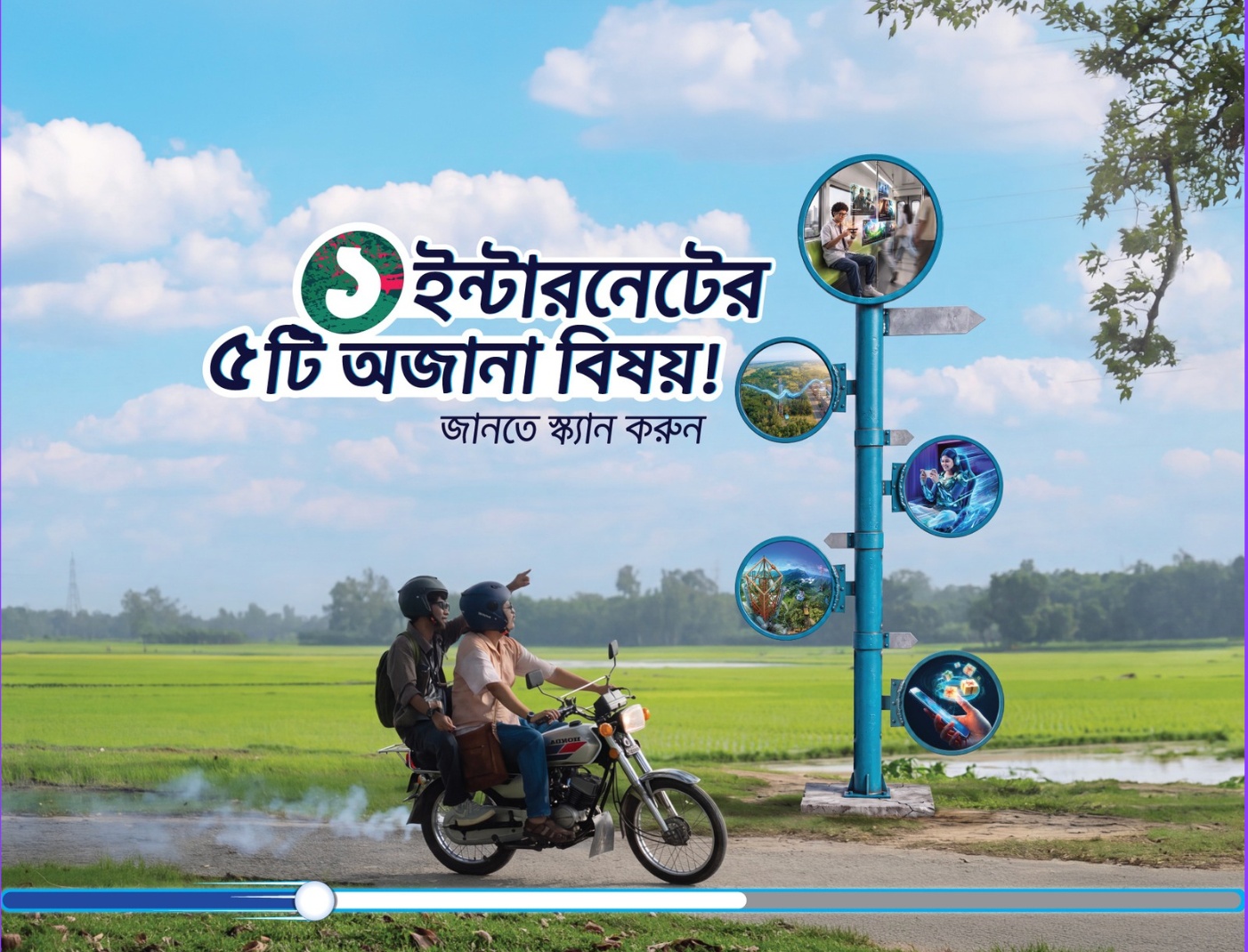
Images, model size and final printed dimensions are provisional. This MVP contains the pole only; the motorcycle remains in the printed artwork.